Payanywhere
Payanywhere is a US payment processing and point of sale platform that runs on a mobile app, countertop terminals and an online portal called Payments Hub. It is sold to small businesses in many industries, including quick-service restaurants, bars and food trucks. It supports open tickets, tabs, tips, kitchen printer routing, inventory and invoices, with the software included and fees taken per card transaction.
Last reviewed
- Best for
- Food trucks and mobile food sellers, Quick-service restaurants
- Pricing
- Percentage of sales
- Runs on
- Web, iOS, Android
Who it is for
Food trucks and mobile food sellers
A phone or tablet with a Bluetooth reader, or Tap to Pay on iPhone, accepts payments on the go, including offline transactions, tips and signatures.
Quick-service restaurants
A Quick Service theme in the app sends orders to kitchen printers or a kitchen display, with order types, customer names, open tickets and tabs.
Bars, pubs and nightclubs
Tableside and mobile payments, tabs and smart terminals for bar service.
Small businesses that want simple card acceptance
Flat per-transaction pricing, free inventory and reporting tools, and same-day or next-day funding.
What it does
In-person card acceptance
Accepts chip, contactless, swipe, PIN debit, EBT and cash, with refunds, voids, pre-authorisations and offline transactions.
Mobile POS and Tap to Pay on iPhone
Turns a smartphone or tablet into a point of sale with a Bluetooth reader, or accepts contactless payments on an iPhone alone.
Quick service ordering
Creates orders on countertop, handheld or mobile devices, with menu items, categories, modifiers, and firing of orders to kitchen printers by station.
Open tickets and tabs
Holds open tickets and runs tabs, capturing a credit card to keep a tab open.
Tips and receipts
Preset tip amounts by percentage or dollar, on-screen signatures, and receipts by email, text or print.
Inventory management
A cloud item catalogue with price variants, modifiers and discounts, bulk upload, low-stock alerts and sales by item, category and modifier.
Employee roles and permissions
Administrator, manager, cashier and reporter roles with custom access to the point of sale and Payments Hub, and sales reports by employee.
Reporting
Flash reports, in-app summaries, customer, employee and inventory reports, and scheduled email reports.
Invoices and virtual terminal
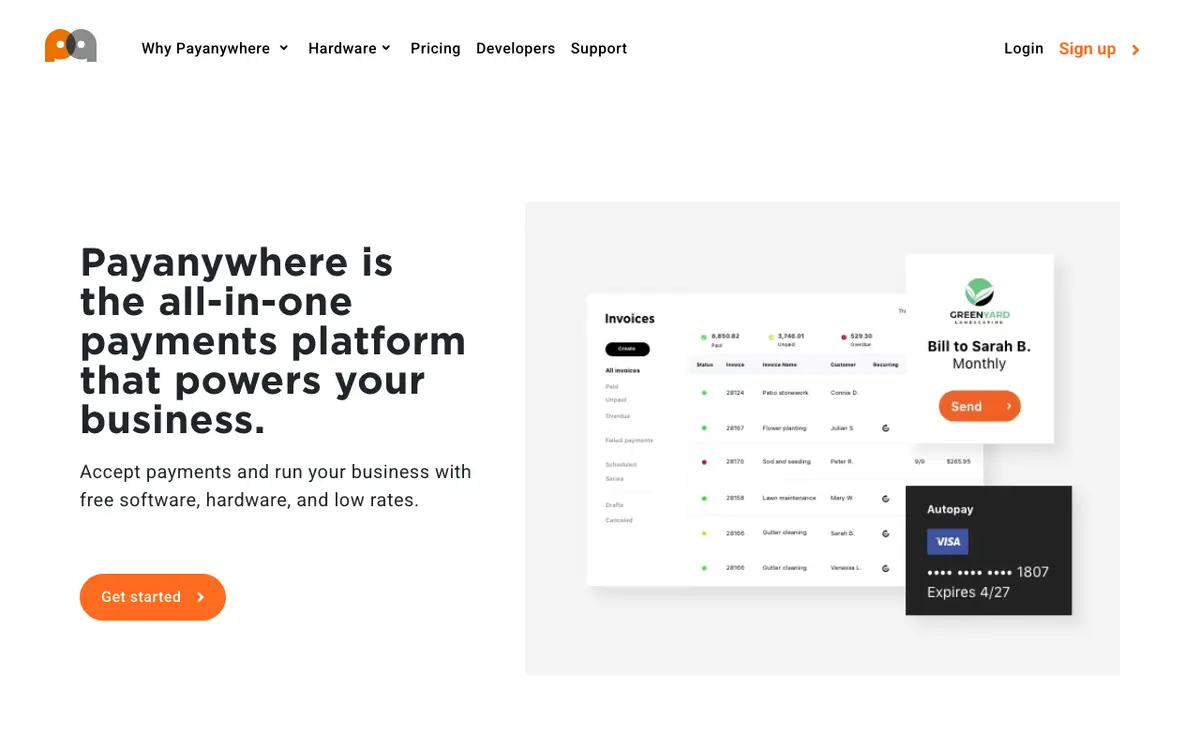
Sends one-time or recurring invoices, payment links and autopay, and takes phone or online orders in a browser virtual terminal.
Funding options
Next-day funding by default and same-day funding, with auto or manual batching.
Dispute management
Monitors chargeback activity, accepts supporting documents and sends notifications when action is needed.
Cash discount and dual pricing
Offers Flat Rate Pricing and a Cash Discount option through its Edge Program for restaurants.
Pricing
- Pricing model
- Percentage of sales
The pricing page lists a Pay as you go rate of 2.69% for swiped, dipped or tapped cards and 3.49% + $0.19 for keyed transactions, plus custom pricing based on volume. Invoices, recurring payments and virtual terminal payments are 3.49% + $0.19. An inactivity fee of $3.99 per month applies after 12 months without a transaction. Hardware is either free placement or purchased; the hardware page lists devices from $77.95 to $949.95 and monthly software fees of $19.95 to $49.95 for some devices. No standalone subscription price for the product is stated, so starting_price is left empty.
How it compares
Compared with the 6 products in Food Truck & Mobile POS that have a profile on this site. These figures describe the category. They are not a recommendation.
- Names 3 integrations. The median in this category is 2.50.
- One of 3 products in this category with an iOS app. One of 4 products in this category with an Android app. 6 products in this category state their platforms.
- The category's 10 most-named integration partners are Apple Pay, QuickBooks, Stripe, DoorDash, First Nationwide Payments, Fiserv, Google Maps, Google Pay, Google Reviews, Homebase. Of these, this product's listing names Apple Pay, QuickBooks, Homebase.
Works with
- Accounting
- QuickBooks
- Payments
- Apple Pay
- Scheduling
- Homebase
Payanywhere also offers a developer programme, but its main site names no other third-party integrations.
Where and how it runs
- Customers in
- United States
- Platforms
- Web, iOS, Android
- Apps
- Payanywhere: Point of sale and card acceptance app. Payments Hub Business Manager: Mobile back office for transactions, batches and deposits
- Hardware
- Smart terminals, countertop point of sale systems and Bluetooth mobile readers. The hardware page lists a 3-in-1 Reader, Mini, Terminal, Keypad, PINPad Pro, Flex and Core, some with built-in printer, barcode scanner, 4G or wifi. A device can be placed free or purchased.
Payanywhere does not list countries. The United States is inferred from its Troy, Michigan address, its US dollar pricing and its US bank sponsor.
The company
- Headquarters
- Troy, United States
Security and support
- Security and compliance
- Point-to-point encryption and tokenization, PCI Plus programme (PCI DSS support)
- Support
- Support is available by phone at 866.485.8999 and by email at custservice@payanywhere.com.
Listing details
- Built for
- Food trucks, Restaurants
- Focus
- General-purpose, used in food businesses
- Status
- Active
- Website
- payanywhere.com
Alternatives to Payanywhere
See all 17 in Food Truck & Mobile POSFood Truck OS
Food Truck OS is a US web app for running a food truck from a phone.
Names 6 integrations, against 3 for Payanywhere.
My Food Truck
My Food Truck is a web service for food truck owners that combines a weekly location calendar, an editable daily menu, pre-orders from a public page and a sales dashboard.
Runs on Web, against Web, iOS and Android for Payanywhere.
TABL Portal
TABL Portal is a browser-based point of sale for food trucks, trailers, carts and pop-up vendors in the United States, made by TABL Service LLC.
Names 2 integrations, against 3 for Payanywhere.
EasyEats
EasyEats is a point of sale and online ordering platform built for food trucks, and also sold to quick-service restaurants and caterers.
Runs on Web and Android, against Web, iOS and Android for Payanywhere.
Compare Payanywhere
What we could not confirm
These points were not confirmed when this page was written.
- A standalone subscription price (fees are per transaction plus device-linked monthly fees)
- Which devices carry which monthly software fee
- Contract term and cancellation terms
- Founding year, legal entity name, team size and customers
- Restaurant-specific integrations such as delivery platforms or accounting beyond QuickBooks
- Countries served and interface languages
Sources
Facts on this page come from the pages below, checked on 29 September 2026. Prices and features change, so confirm with the vendor before you buy.
- Homepage: overview and featureshttps://www.payanywhere.com/
- Transaction rates and feeshttps://www.payanywhere.com/pricing
- Hardware and device priceshttps://www.payanywhere.com/hardware
- Quick service restaurant featureshttps://www.payanywhere.com/why-payanywhere/qsr
- Food truck fithttps://www.payanywhere.com/industries/food-trucks
- Bars and quick service fithttps://www.payanywhere.com/industries/quick-services-and-bars
- In-store payments and ticketshttps://www.payanywhere.com/why-payanywhere/in-store
- Mobile app, iOS and Androidhttps://www.payanywhere.com/why-payanywhere/mobile
- Inventory toolshttps://www.payanywhere.com/why-payanywhere/inventory
- Employee tools and Homebasehttps://www.payanywhere.com/why-payanywhere/employees
- Reporting and QuickBooks exporthttps://www.payanywhere.com/why-payanywhere/reporting
- Invoices, virtual terminal, Apple Payhttps://www.payanywhere.com/why-payanywhere/online
- Funding optionshttps://www.payanywhere.com/why-payanywhere/funding
- PCI Plus programmehttps://www.payanywhere.com/pci-plus
- Company, address, parent, supporthttps://www.payanywhere.com/company