Putmenu vs Qder vs Tabelog Order vs USEN MyMenu Premium
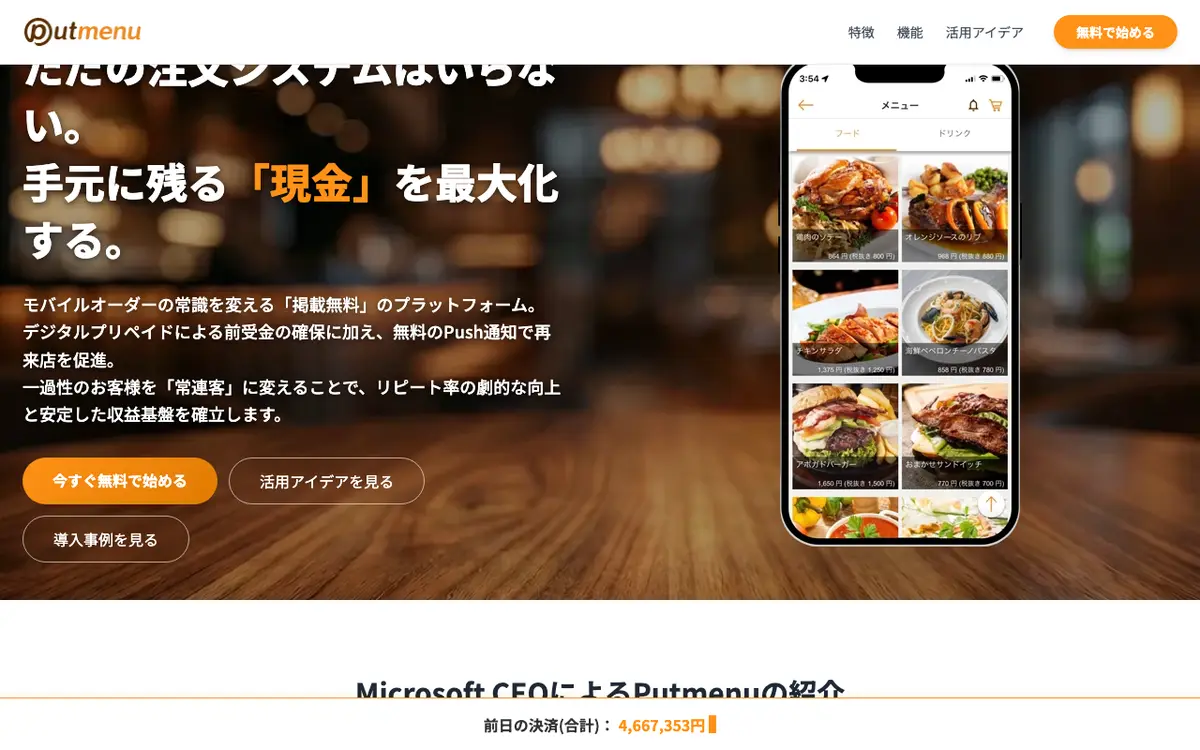
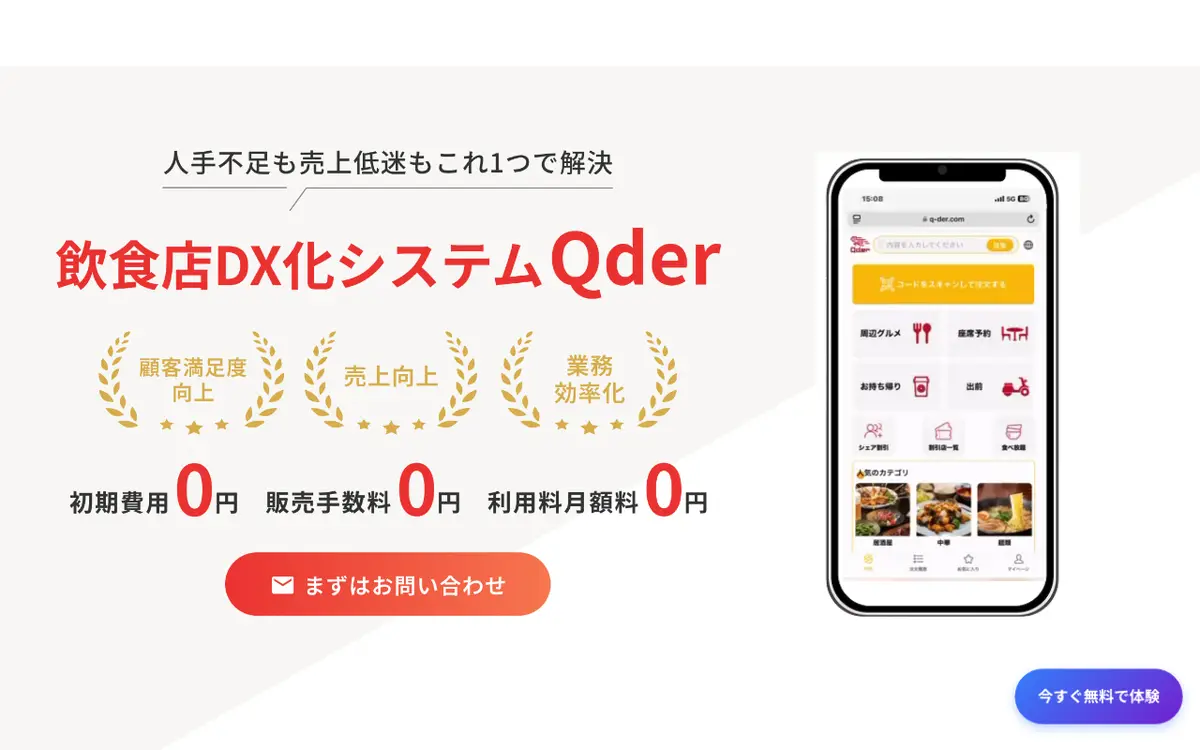
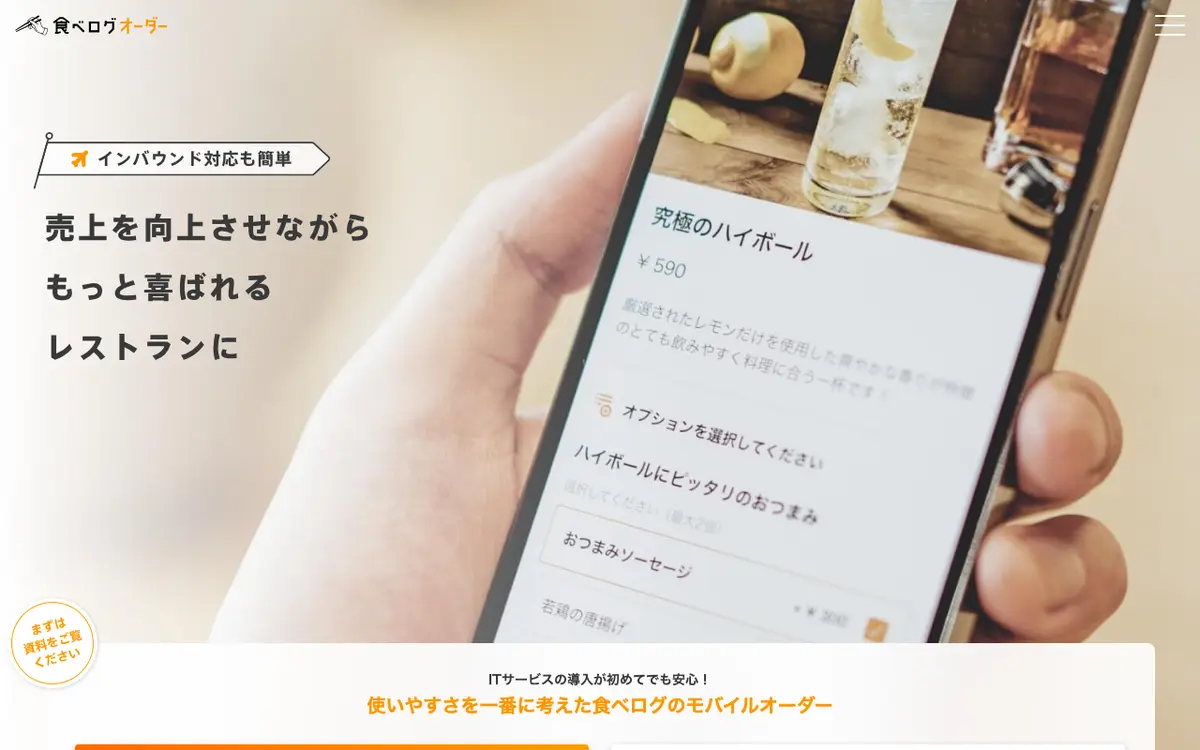
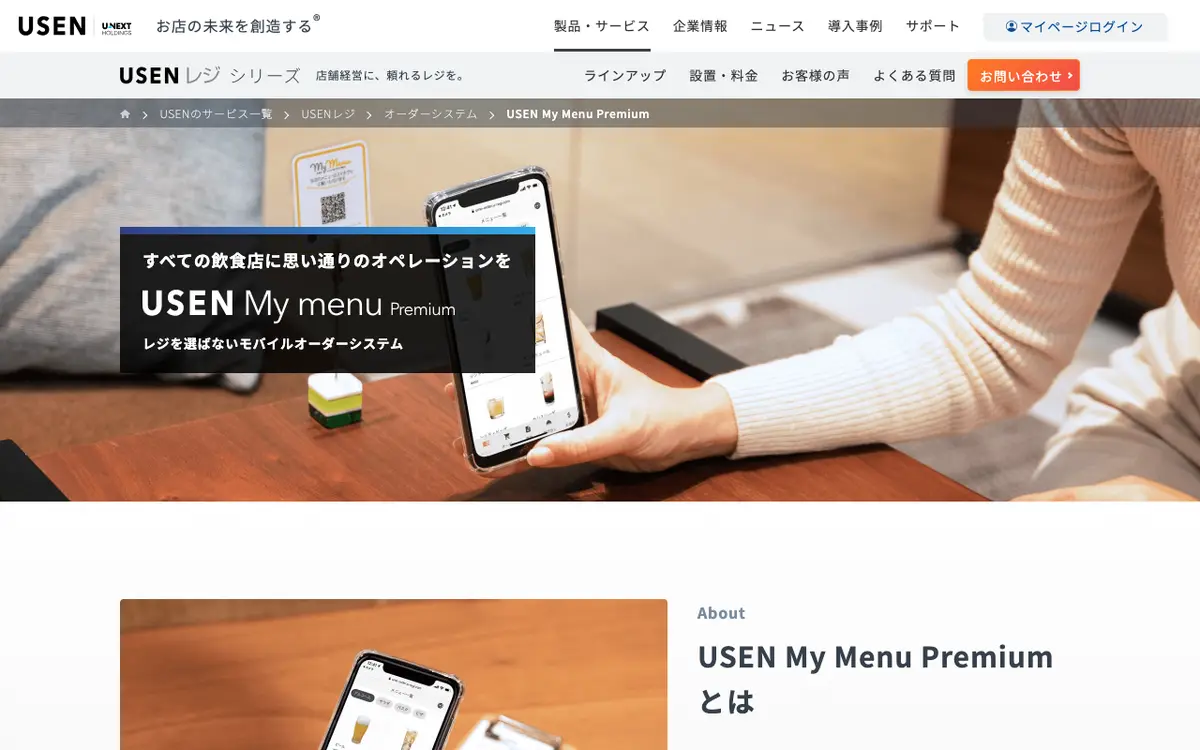
Putmenu is a Japanese mobile-ordering platform. Qder is a Japanese restaurant management system from Qder Japan K.K. Tabelog Order is a mobile ordering system for restaurants in Japan from Kakaku.com, the company behind the Tabelog restaurant guide. USEN My Menu Premium is a mobile order system for Japanese restaurants: guests browse the menu and order from their own smartphones at the table. All four are listed under QR Code Menu & Ordering. Where the profiles show a difference, it is in price, audience and platforms.
Key differences
price
On price, Qder at JPY 9,000 per month, billed yearly; Tabelog Order at JPY 15,000 per month (excluding tax); USEN MyMenu Premium at JPY 10,000 per month. These figures are not directly comparable because the currency or billing basis is not the same. Putmenu does not publish a starting price.
audience
The audiences they list differ. Listed for one product only, for example: Putmenu: Small Japanese restaurants wanting mobile ordering with no upfront cost; Qder: Japanese restaurants wanting ordering, reservations and POS in one system; Tabelog Order: Izakaya and casual restaurants in Japan; USEN MyMenu Premium: Restaurants that want self-ordering without replacing their POS.
platforms
Platform support differs. Putmenu: Web; Qder: Web; Tabelog Order: Web, iOS; USEN MyMenu Premium: Web.
company background
Putmenu is based in Tokyo, Japan, Qder in Osaka, Japan, Tabelog Order in Tokyo, Japan and USEN MyMenu Premium in Shinagawa, Tokyo, Japan.
Side by side
| Field | Putmenu | Qder | Tabelog Order | USEN MyMenu Premium |
|---|---|---|---|---|
| What it is | Putmenu is a Japanese mobile-ordering platform. | Qder is a Japanese restaurant management system from Qder Japan K.K. | Tabelog Order is a mobile ordering system for restaurants in Japan from Kakaku.com, the company behind the Tabelog restaurant guide. | USEN My Menu Premium is a mobile order system for Japanese restaurants: guests browse the menu and order from their own smartphones at the table. |
| Best for | Small Japanese restaurants wanting mobile ordering with no upfront cost; Shops that want to sell prepaid balances to regulars; Venues serving overseas visitors to Japan | Japanese restaurants wanting ordering, reservations and POS in one system; Cafes, izakaya and fast-food outlets | Izakaya and casual restaurants in Japan; Restaurants with no POS or a basic cash register; Venues with many overseas guests | Restaurants that want self-ordering without replacing their POS; Restaurants short of floor staff; Restaurants serving overseas visitors |
| Pricing model | Percentage of sales | Subscription per location | Subscription per location | Subscription per location |
| Starting price | Not published | JPY 9,000 per month, billed yearly | JPY 15,000 per month (excluding tax) | JPY 10,000 per month |
| Free plan | Yes | Not published | Not published | No |
| Free trial | Not published | Yes | Yes | Not published |
| Contract | Not published | 1, 2 or 3 years depending on plan | Not published | Not published |
| Platforms | Web | Web | Web, iOS | Web |
| Countries | Japan | Japan | Japan | Japan |
| Languages | Chinese, English, Japanese, Korean | Japanese | Japanese | Japanese |
| Number of integrations | 2 | Not published | 9 | Not published |
| Certifications | Not published | Not published | Not published | Not published |
| Security practices | Not published | Not published | Compatible with Japan's qualified invoice system (invoice制度), per the vendor | Not published |
| Founded | 2018 | Not published | 1997 | 1961 |
| Headquarters | Tokyo, Japan | Osaka, Japan | Tokyo, Japan | Shinagawa, Tokyo, Japan |
| Owner | Group company of Boxis Inc. (ボクシーズ株式会社), which develops the service | Not published | Kakaku.com, Inc., listed on the Tokyo Stock Exchange Prime market (code 2371) | Not published |
| Last reviewed | 29 September 2026 | 29 September 2026 | 29 September 2026 | 29 September 2026 |
Integrations
No partner appears in every list.
Named only by Putmenu
- au PAY
Named only by Qder
Qder does not name any integrations in the material we reviewed.
Named only by Tabelog Order
- Apple Pay
- LINE
- NECモバイルPOS
- ステアリテール
- スマレジ
- 東芝テック
- 楽天ペイ
- 食べログノート
Named only by USEN MyMenu Premium
USEN MyMenu Premium does not name any integrations in the material we reviewed.
Which to choose
Putmenu
Choose Putmenu if your business matches one of the audiences it is listed for: Small Japanese restaurants wanting mobile ordering with no upfront cost; Shops that want to sell prepaid balances to regulars; Venues serving overseas visitors to Japan.
Qder
Choose Qder if your business matches one of the audiences it is listed for: Japanese restaurants wanting ordering, reservations and POS in one system; Cafes, izakaya and fast-food outlets.
Tabelog Order
Choose Tabelog Order if you are in one of these groups: Izakaya and casual restaurants in Japan; Restaurants with no POS or a basic cash register; Venues with many overseas guests.
USEN MyMenu Premium
Choose USEN MyMenu Premium if your business matches one of the audiences it is listed for: Restaurants that want self-ordering without replacing their POS; Restaurants short of floor staff; Restaurants serving overseas visitors.
Weaker fit: Restaurants that need orders to flow into their POS: the vendor states the system is not linked to the register.
What we could not confirm
Putmenu
- Prices of paid plans above the basic plan
- Contract term and cancellation
- Whether the consumer app is on iOS and Android and store listing details
- POS integrations
- Funding and team size
- Security certifications (the home page cites Microsoft Azure hosting only)
Qder
- Founding year, founders, team size and funding
- Which four languages are supported
- Exact terms of the early cancellation fee
- Whether the App Store listing under another publisher name is Qder's own app
- POS, accounting and delivery integrations
- Security certifications
- Customer names
Tabelog Order
- Contract minimum term and renewal
- Whether the 3-month free campaign is still running
- Prices for the hardware not included in the monthly fee
- Full list of supported credit cards
- Security certifications
- Interface languages for staff
- Which operating systems the handhelds run on (iOS devices are lent)
USEN MyMenu Premium
- Contract minimum term
- Whether hardware is rented or bought outright
- Integrations
- Interface languages for staff
- Employee count of the business unit
- Security certifications
- Customer names for this product
Go further
Sources
Facts on this page come from the pages below. Prices and features change, so confirm with each vendor before you buy.
Putmenu, reviewed 29 September 2026
- Home page: product, Azure, languages, plan overview, company addresshttps://putmenu.com/
- FAQ: features, languages, cost (older content)https://putmenu.com/faq/
- Basic plan and Putmenu Prepaid descriptionhttps://www.putmenu.net/sregi/
- Basic plan fee and payment methodshttps://www.putmenu.net/sregi/plan.html
- Press release: payment methods, founding date, HQhttps://prtimes.jp/main/html/rd/p/000000009.000105580.html
- Customer case studyhttps://putmenu.com/case/29yamato/putmenu_case_yakinikuyamato.html
Qder, reviewed 29 September 2026
- Home page: company address and brancheshttps://q-der.jp
- Product modules: order, AI reservation, AI analysishttps://q-der.jp/philosophy/
- Feature listhttps://www.ad-q-der.net/%E6%A9%9F%E8%83%BD%E4%B8%80%E8%A6%A7/
- Pricing planshttps://q-der.jp/plan/
- FAQ: cost, campaign, genreshttps://q-der.jp/question/
- Sign-up steps and required documentshttps://q-der.jp/introduction/
Tabelog Order, reviewed 29 September 2026
- Product page: features, price, integrations, FAQhttps://order.tabelog.com/lp/index.html
- Case study: Spice&Cafe FamFamhttps://order.tabelog.com/lp/case/001.html
- Case study: café RINhttps://order.tabelog.com/lp/case/005.html
- Tabelog Note reservation ledger linkhttps://owner.tabelog.com/home/tbnote/
- Company profile: HQ, founded, listing, employeeshttps://corporate.kakaku.com/company/profile
USEN MyMenu Premium, reviewed 29 September 2026
- Product page: features, price, FAQhttps://usen.com/service/pos/mymenupremium/
- Company profile: founding, head officehttps://usen.com/company/about.html
- Corporate overviewhttps://usen.com/company/
- USEN POS register product page (related products)https://usen.com/service/pos/