ZeusPOS
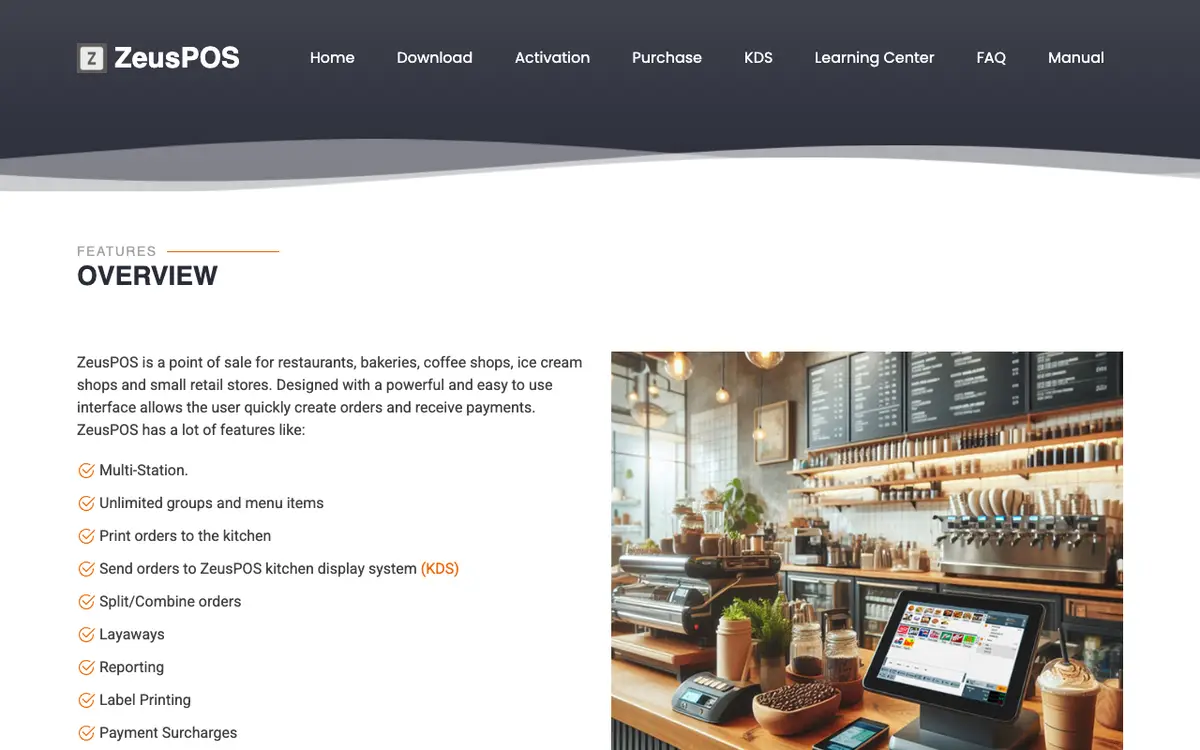
ZeusPOS is Windows point-of-sale software for restaurants, bakeries, coffee shops, ice cream shops and small retail stores. It runs in a touch restaurant mode or a barcode retail mode, prints orders to the kitchen, sends them to an optional kitchen display system and produces sales and loss-prevention reports. It is sold as a one-off licence per station with a free evaluation.
Last reviewed
- Best for
- Small restaurants, cafes, bakeries and ice cream shops on Windows, Small retail stores that scan barcodes
- Pricing
- From USD 165 one-time per station
- Runs on
- Windows
Who it is for
Small restaurants, cafes, bakeries and ice cream shops on Windows
The vendor targets small counter and dine-in businesses that want a low one-off licence cost and run Windows PCs with a receipt printer.
Small retail stores that scan barcodes
A retail mode supports barcode scanning, quick search and layaways.
Less suited to: Businesses that need iOS, Android or Linux terminals, or advanced inventory. The vendor says Android, iOS, Linux and Windows S mode are not supported for the POS, and its inventory tracking is basic with no reorder points or receiving.
What it does
Restaurant and retail modes
A touch group-and-item screen for restaurants and a barcode or search screen for retail.
Multi-station setup
One computer acts as the server and other stations connect to it; each station needs its own licence.
Unlimited menu groups and items
No cap on groups and items, with graphic or text buttons and low-stock alerts.
Kitchen printing and KDS
Prints orders to kitchen printers or sends them to the ZeusPOS kitchen display system.
Split and combine orders
Reprint, split, combine, void or edit open orders from a recall screen.
Order types
Dine-in, to-go, delivery, pick-up and layaway orders.
Payment methods and surcharges
Up to 10 custom payment methods, gratuities in restaurant mode and per-method surcharges.
Reports and loss prevention
Sales reports, logs of modified orders, voids and voided payments, export to Excel or PDF, custom SQL reports and scheduled email delivery.
Basic inventory
Tracks quantity on hand per item and reduces it with each sale; the vendor says there is no reorder point or receiving function.
Gift cards and customers
Create and recharge gift cards, and keep customer records with orders.
Label printing
Creates and prints item labels from the back office.
Employee management
Employee, security settings and time card break handling.
Kitchen display system (KDS)
Real-time order updates, item-level bumping, bump-bar support, column or tile views, and up to 4 stations plus an overview station; clients open in a web browser.
Pricing
- Starting price
- From USD 165 one-time per station
- Pricing model
- One-off licence
- Free trial
- 35-day free evaluation with all features
A single licence costs $165 and each station in a multi-station system needs its own licence. A one-time remote support session is $75. Sales are final with no refunds, so the vendor points buyers to the 35-day free evaluation. The KDS is downloaded and licensed separately.
How it compares
Compared with the 16 products in Café & Bakery POS that have a profile on this site. These figures describe the category. They are not a recommendation.
- Names 4 integrations. The median in this category is 6.
- Has a free trial. All 4 products in this category that say whether they have a free trial do.
- Lists Windows only. Among the 16 products in this category that state their platforms, 7 list an iOS app and 7 list an Android app.
Works with
The FAQ says integrated credit card processing is available only in the USA and is not yet available in ZeusPOS version 6. No accounting, delivery or other integrations are listed.
Where and how it runs
- Customers in
- United States
- Platforms
- Windows
- Hardware
- A Windows 10 or 11 PC with a dual-core 2.0 GHz processor, 4 GB RAM and 1024x768 screen, an Epson, Star or Bixolon receipt printer, and an RJ-interface ESC/POS cash drawer connected through the printer. A touch screen is recommended.
The vendor states no country list; integrated card processing is stated as US-only and the site refers to US regulations and Eastern Time.
Security and support
- Security and compliance
- EMV and PCI compliance through its card processing partners (vendor statement)
- Support
- Remote support sessions cost $75 each, and the site offers a learning center with demo videos and a user manual. Activation codes are emailed within 24 hours of a request.
Listing details
- Built for
- Restaurants, Cafés, Bakeries, Food retail
- Focus
- Food-specific
- Status
- Active
- Website
- zeuspos.com
Alternatives to ZeusPOS
See all 40 in Café & Bakery POSSumUp POS
SumUp POS is the point-of-sale software from payments company SumUp, sold for restaurants, cafes and retail.
Runs on Web and iOS, against Windows for ZeusPOS.
Conexa
Conexa is a Romanian business management platform that combines a point of sale, stock control, recipes, invoicing and reports for restaurants, bakeries, retail shops and similar businesses.
Runs on Web, iOS, Android and Windows, against Windows for ZeusPOS.
Zettle by PayPal
Zettle by PayPal is a point-of-sale app with card readers and an all-in-one terminal for taking in-person payments.
Runs on iOS and Android, against Windows for ZeusPOS.
Moka POS
Moka POS is a cloud point of sale for Indonesian cafes, restaurants, fast-food outlets, retail shops and salons, run on iPad or Android tablets with a back office in a browser.
Runs on Web, iOS and Android, against Windows for ZeusPOS.
Compare ZeusPOS
Side-by-side tables built from the same profile data.
What we could not confirm
These points were not confirmed when this page was written.
- Company name, founding year, location, team size and funding (the site names none)
- Customer names and counts
- KDS licence price
- Accounting, delivery and online ordering integrations
- Interface languages
- Which US states or other countries it is sold in
Sources
Facts on this page come from the pages below, checked on 29 September 2026. Prices and features change, so confirm with the vendor before you buy.
- Homepage: features, payments, pricinghttps://www.zeuspos.com/
- Licence price, refunds, support pricehttps://www.zeuspos.com/purchase.php
- Windows versions, trial, version historyhttps://www.zeuspos.com/download.php
- Requirements, printers, inventory, processinghttps://www.zeuspos.com/faq.php
- Kitchen display systemhttps://www.zeuspos.com/kds.php
- Learning centerhttps://www.zeuspos.com/learning.php
- User manual overviewhttps://www.zeuspos.com/manualv6/index.html